How to Send Wedding Invitations via WhatsApp (Professional Templates)
Learn how to send professional wedding invitations via WhatsApp in Kenya. Includes copy-paste templates in English and Swahili, broadcast vs group tips, and how to share your wedding website link.
How to Send Wedding Invitations via WhatsApp (Professional Templates)
You have 400 guests to invite. You’ve got a WhatsApp group for your church, one for your workmates, one for your campus friends, and a family group that’s been active since 2017. Your mum has her own groups. Your dad has his. Your fiancé’s family has theirs.
WhatsApp is not just an app in Kenya — it is the communication infrastructure. It is where condolences are shared, where harambees are organised, where news breaks before it hits the radio. So why are you spending KES 60,000 printing invitation cards that half your guests will forget at home?
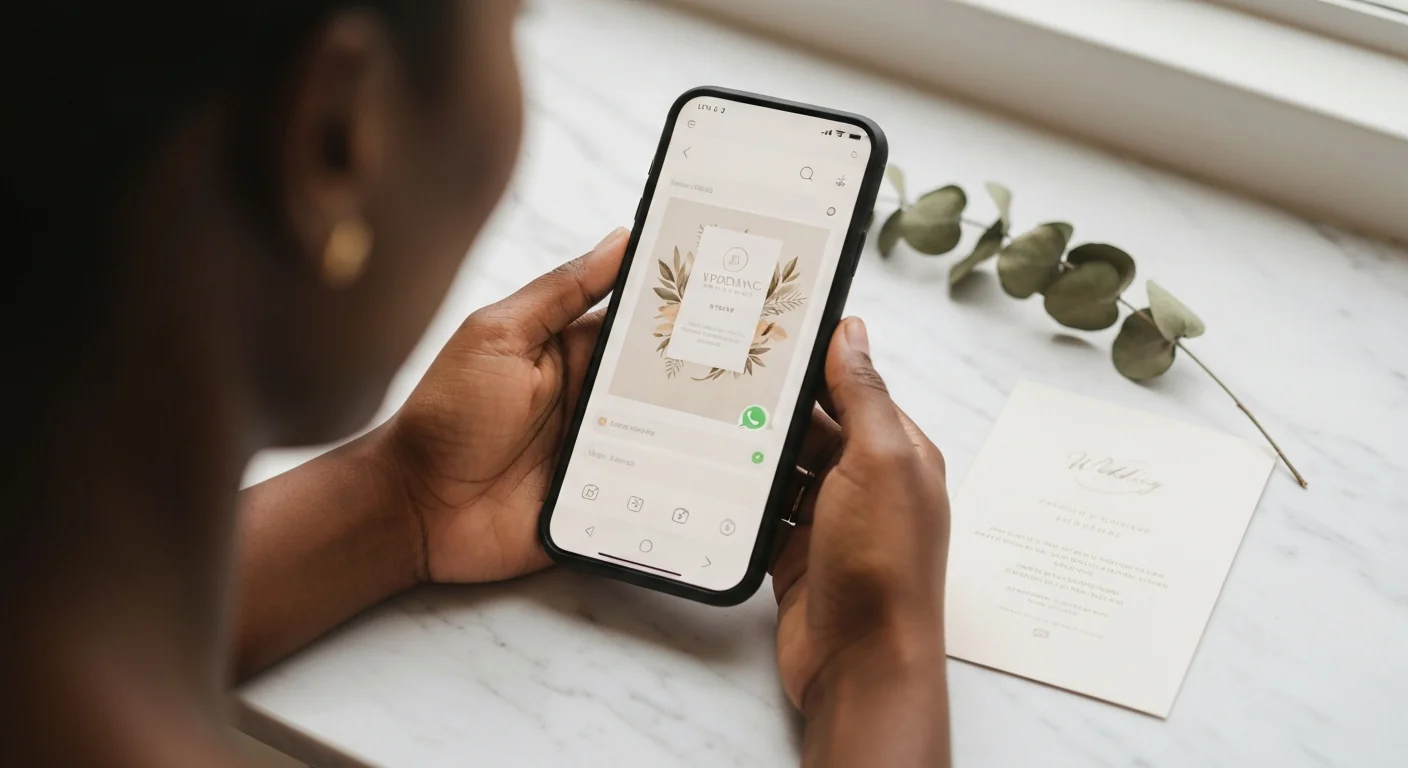
Sending wedding invitations via WhatsApp is not a shortcut. Done well, it is more personal, more reliable, and far more effective than any card you can print. This guide shows you exactly how to do it — with professional templates in both English and Swahili.
Why WhatsApp Invitations Work in Kenya
The numbers make the case plainly. Kenya has one of the highest smartphone penetration rates in sub-Saharan Africa, and WhatsApp is installed on virtually every device. Across urban and rural Kenya alike, a message sent on WhatsApp lands almost instantly — no postal delays, no matatu courier arrangements, no wondering whether the envelope arrived.
Here is what makes WhatsApp invitations genuinely superior for Kenyan couples:
Immediate delivery. A printed card sent upcountry can take two weeks. A WhatsApp message takes two seconds.
Read receipts. You can see the double blue ticks. You know exactly who has seen the message and who has not — no more guessing whether your college friend received the invite or not.
Easy RSVP collection. Guests can reply directly to you, tap a link to your wedding website, or fill in a form — all without leaving the app. Compare that to waiting for someone to post back an RSVP card.
Cost savings. Printed wedding invitations in Kenya typically cost between KES 150 and KES 500 per card for quality stock, before you factor in envelope, postage, or hand-delivery. For 400 guests that is KES 60,000 to KES 200,000. WhatsApp costs nothing.
Always accessible. Your guest can open the message six weeks later, the morning of the wedding, to double-check the venue. A printed card they may not find at all.
Easy updates. Venue changed? Time adjusted? Edit your wedding website once and everyone automatically has the right information — no reprinting, no panic calls.
The one thing WhatsApp invitations require is intentionality. A hastily typed message looks casual. A thoughtfully composed message — with the right template, the right image, and a link to your wedding website — looks more professional than most printed cards.
WhatsApp Broadcast vs Group: When to Use Each
Many couples use these two features interchangeably. They are very different tools, and using the wrong one can create awkward situations.
WhatsApp Broadcast — for formal invitations
A broadcast list sends the same message to multiple contacts, but each person receives it as a private, individual message. They cannot see who else received it, and their replies come only to you. From the recipient’s perspective, it looks like you messaged them personally.
This is the correct choice for sending your formal wedding invitation. It preserves the dignity of the invitation — your guest feels personally invited, not like one name on a mass list.
Limitation: Broadcast messages are only delivered to contacts who have saved your number. If your aunt does not have your number saved, she will not receive the broadcast. For guests who may not have your number, send directly or ask a mutual contact to forward.
How to send a WhatsApp Broadcast:
- Open WhatsApp and tap the three-dot menu (Android) or tap Broadcast Lists at the top of chats (iPhone).
- Select New list (Android) or New Broadcast (iPhone).
- Search for and add your contacts — up to 256 per list.
- Tap the green checkmark or Create.
- Type (or paste) your invitation message, attach your image, and tap Send.
For large guest lists, create multiple broadcast lists — one for family, one for friends, one for workmates. This also makes follow-up easier. If you are managing your guest list on Harusi Hub, you can see at a glance who has RSVPd and who has not — so your reminder broadcasts go only to the people who still need to respond.
WhatsApp Groups — for coordination, not formal invites
A group is where everyone can see each other and reply to the thread. This is excellent for your wedding planning committee, your bridal squad, or close family members who are actively helping coordinate the day. It is not the right place to send formal invitations — a group of 80 people generates noise, not intimacy.
One good use of a group: create a “Wedding Updates” group for guests who want to stay informed about logistics, transport arrangements, or last-minute changes. Keep this separate from the formal invitation, which should go via broadcast or direct message.
Summary:
| Broadcast | Group | |
|---|---|---|
| Privacy | Each person receives it privately | All members see each other |
| Best for | Formal invitations | Planning committees, coordination |
| Replies | Come only to you | Visible to all members |
| Limit | 256 per list | 1,024 members |
Professional Invitation Templates — Copy, Paste, Send
The key to a professional WhatsApp invitation is structure. Include the couple’s names, the event, date, time, venue, dress code, and a clear RSVP instruction. Keep it warm but concise — people read long messages on WhatsApp the same way they read long emails: they skim.
Here are five templates ready to use. Customise the details in brackets.
Template 1: Formal English
With joy and gratitude, we invite you to celebrate our wedding.
[Groom’s Full Name] & [Bride’s Full Name]
📅 [Day], [Date] [Month] [Year] ⏰ [Time] 📍 [Venue Name], [Location] 👗 Dress Code: [e.g. Smart Casual / Black Tie / African Attire]
Please RSVP by [Date]: [Your wedding website link or phone number]
We look forward to celebrating with you. 🙏
Template 2: Casual / Friends
Hey! 🥂 You’re invited to our wedding!
[Name] + [Name] are getting married!
📅 [Date] ⏰ [Time] 📍 [Venue], [City] 👗 [Dress Code]
Tap the link to RSVP and get all the details: [Your wedding website link]
Can’t wait to celebrate with you! 💛
Template 3: Save the Date
📣 Save the Date!
[Groom’s Name] & [Bride’s Name] are tying the knot.
📅 [Full Date] 📍 [City / General Venue Area]
Formal invitation to follow. Mark your calendar and keep the day free! 💍
Questions? Reply here or call [Phone Number].
Template 4: Formal Swahili (Kiswahili)
Kwa furaha na shukrani, tunakualika kusherehekea harusi yetu.
[Jina la Bwana Harusi] & [Jina la Bi Harusi]
📅 [Siku], tarehe [Tarehe] [Mwezi] [Mwaka] ⏰ Saa [Wakati] 📍 [Jina la Ukumbi], [Mahali] 👗 Mavazi: [e.g. Rasmi / Nguo za Kiafrika]
Tafadhali thibisha ushiriki wako ifikapo tarehe [Tarehe]: [Kiungo cha tovuti yako ya harusi]
Tunakushukuru na kukutazamia. 🙏
Template 5: RSVP Reminder
Hi [Name]! 👋 Friendly reminder — we’d love to have you at our wedding on [Date].
Could you let us know if you’re able to make it? Just tap the link below to RSVP:
👉 [Your wedding website link]
If you have any questions, feel free to reply here. Thank you! 💛
— [Your Names]
What to always include:
- Full names of the couple
- Day, date, and year (not just “Saturday 4th” — people get confused)
- Ceremony time (not just reception time)
- Full venue name and area/town
- Dress code
- A clear RSVP instruction with a deadline
- One link for all the details
Image and Video Invitations
A text message alone works fine. A beautiful image paired with that message is far more memorable — and far more likely to be forwarded.
Creating your invitation image
Canva (canva.com) is the easiest tool for creating a professional wedding invitation graphic. It has hundreds of free templates designed specifically for WhatsApp sharing. Search “wedding invitation” in Canva and filter by the square or portrait format. You can add your own photos, change colours to match your wedding palette, and download in seconds.
PosterMyWall (postermywall.com) has over 32,000 African-themed wedding invitation templates and allows you to export at high resolution. It is particularly strong for designs incorporating African prints, Ankara patterns, and cultural motifs that reflect Kenyan aesthetics.
The right dimensions for WhatsApp
- Square image (1:1): 1080 × 1080 px — displays cleanly in chat previews
- Portrait image (4:5 or 9:16): 1080 × 1350 px or 1080 × 1920 px — fills more of the screen and feels more like a traditional invitation card
- WhatsApp Status: 1080 × 1920 px (9:16) — ideal if you want to post your invite as a status update
File size
Keep your image under 5 MB to ensure it sends without compression artefacts. WhatsApp compresses images automatically, which can degrade quality. To preserve sharpness, send your invitation image as a document (tap the attachment icon → Document → select your image file) rather than as a photo. This bypasses compression entirely.
Video invitations
Short video invitations (15–30 seconds) are gaining popularity in Kenya. A brief clip of the couple, set to a meaningful song, with the event details overlaid, creates a memorable and shareable moment. Keep the video under 16 MB for easy delivery. Canva’s free tier supports simple video creation — animate your invitation card with a few taps.
Using Your Wedding Website as the Invitation Hub
Here is the most practical upgrade you can make to your WhatsApp invitation strategy: instead of cramming every detail into the message, send one link that contains everything.
With Harusi Hub, you can create a wedding website in under 10 minutes. Your site includes:
- Event details — date, time, venue, map link
- RSVP — guests confirm attendance with their name and phone number, no app download required
- Registry — gift list so guests know what you need
- Photos — your engagement photos or couple pictures
- Our Story — a message to your guests
Your website gets a clean, shareable URL like harusihub.com/james-and-amina.
Better still, you can create personalised invite links for different guest groups. Your parents can send an invitation that reads “Mr. & Mrs. Kamau cordially invite you…” while you send one that reads “Join us as we celebrate our wedding.” Each link opens a beautiful splash screen before landing on your wedding website. See how to set this up: Create personalised invite links.
Your WhatsApp message then becomes simple and elegant:
You’re invited to our wedding! 🎉 All the details, RSVP, and more — one link: [harusihub.com/james-and-amina]
Guests tap once. They see the full event details, RSVP in under a minute, and can check back any time. You see every response in your dashboard. No spreadsheet, no chasing people on three different group chats. Harusi Hub also sends automatic SMS and WhatsApp notifications — RSVP confirmations to guests, contribution alerts to you, and wedding reminders as the date approaches — so you spend less time following up manually.
You can also customise your RSVP page so it matches your theme and asks exactly the questions you need — see: Customise your RSVP page.
This approach is covered in more depth in our guide: share all your wedding details with one link.
WhatsApp Invitation Etiquette
Getting the message right is only half the job. Timing, tone, and follow-through matter just as much.
When to send
- Save the Date: 3–4 months before the wedding, especially if guests need to travel or arrange leave from work
- Formal invitation: 6–8 weeks before the wedding — enough time for guests to plan, arrange transport, and RSVP
- RSVP reminder: 2 weeks before the RSVP deadline, for anyone who has not yet responded
- Final logistics update: 3–5 days before the wedding (venue directions, parking, programme outline)
Do not send your invitation more than 4 months in advance — people will forget. Do not send it less than 3 weeks before — people may already have other commitments.
Follow up thoughtfully
Send your RSVP reminder only to those who have not yet responded — not to the entire list. A broadcast to your non-responders looks personal. A reminder to someone who already confirmed looks careless. Keep a simple tracking note (or use your Harusi Hub dashboard) to know who has and has not replied.
Handling RSVPs
Decide in advance how you want guests to RSVP. Options:
- Reply to the WhatsApp message — simple, but creates work for you to consolidate
- Tap a link to your wedding website — guests RSVP online and responses go directly to your dashboard
- Call or WhatsApp a specific contact (often a planner or committee member) — useful for large families where the couple cannot manage all replies
The wedding website approach is the most organised. See: track RSVPs without stress.
What about elders who prefer physical cards?
Respect this. For older relatives — grandparents, church elders, senior family members — a physical card is not just preference, it is a sign of respect. Print a small batch of 20–30 quality cards for these guests specifically. You save the bulk printing cost while honouring the elders who value the gesture. The digital invitation is your primary channel; the printed card is a targeted, intentional supplement.
You can also ask a family member who is comfortable with WhatsApp to gently help older relatives open the link and walk them through the RSVP — many elders are more capable with smartphones than couples assume.
A word on group etiquette
If you do create a WhatsApp group for wedding updates, set clear ground rules early:
- Only admins post announcements
- Keep discussion to wedding logistics only
- Mute the group between major updates to avoid notification fatigue
A chaotic wedding WhatsApp group is one of the most reliable sources of pre-wedding stress. Keep it focused.
Related Reading
- Digital wedding invitations: the complete guide
- How to collect wedding RSVPs by phone number
- Share all your wedding details with one link
One link for everything
Create your wedding website and share it on WhatsApp — guests get your details, RSVP, and registry in one tap.
Create Your Wedding Website